
Nesting Tool
DetailsNesting
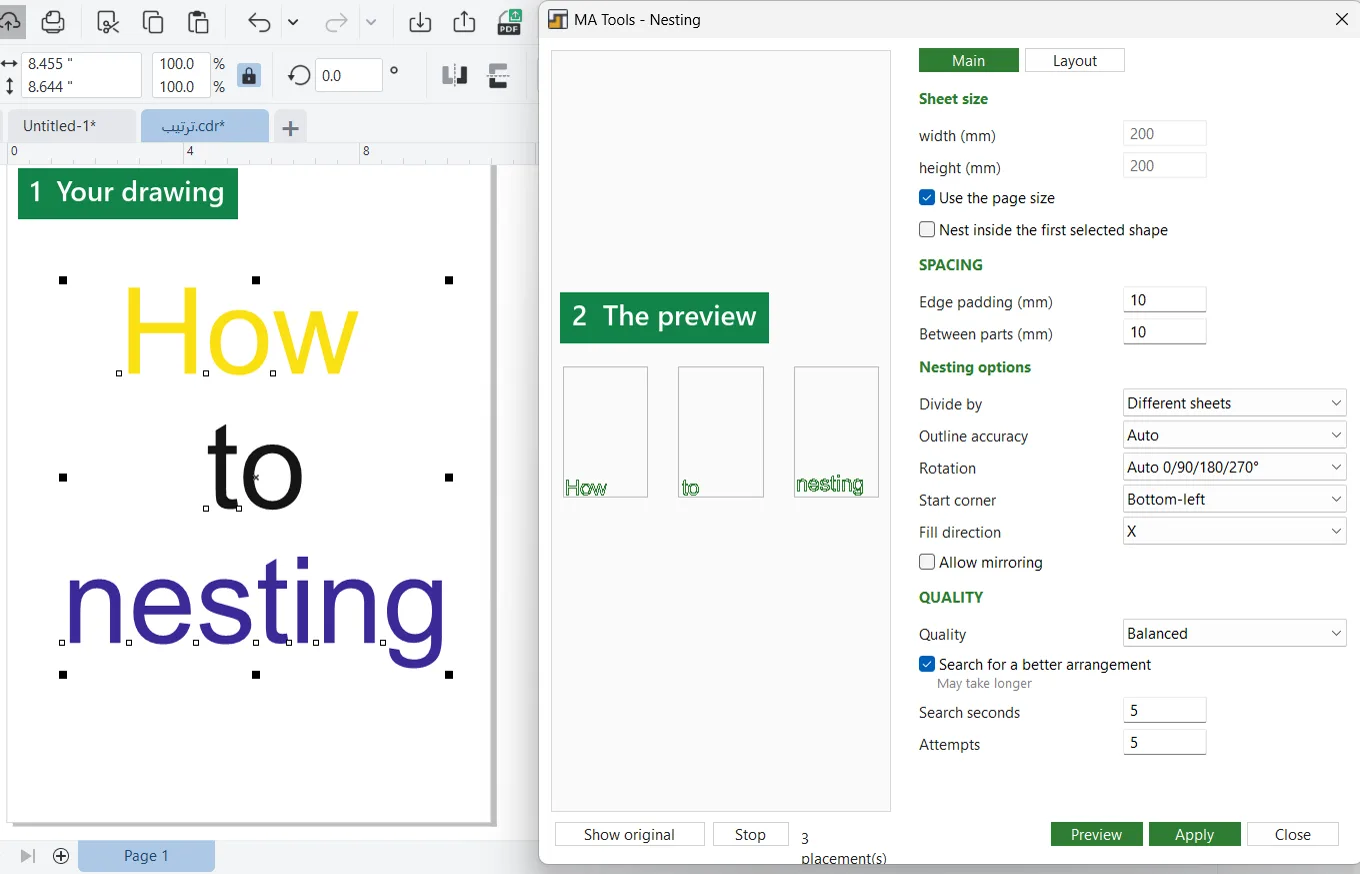
Lays your parts out on sheets to waste less material, with a preview before anything changes in your drawing.
MA Tools adds a docker panel to CorelDRAW and a floating toolbar with a button for each tool.
Nesting
Lays your parts out on sheets to waste less material, with a preview before anything changes in your drawing.

Vector effects
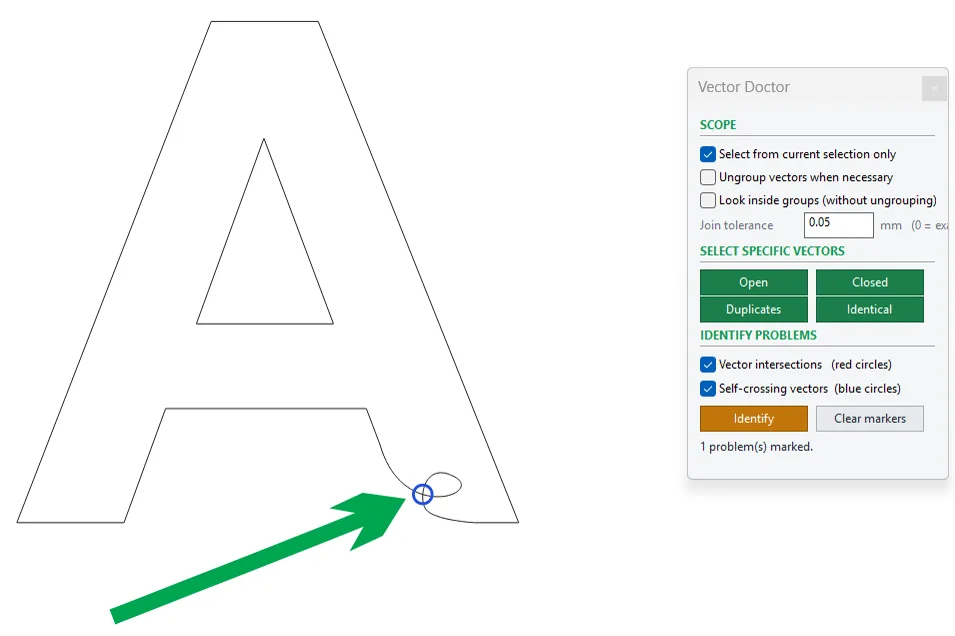
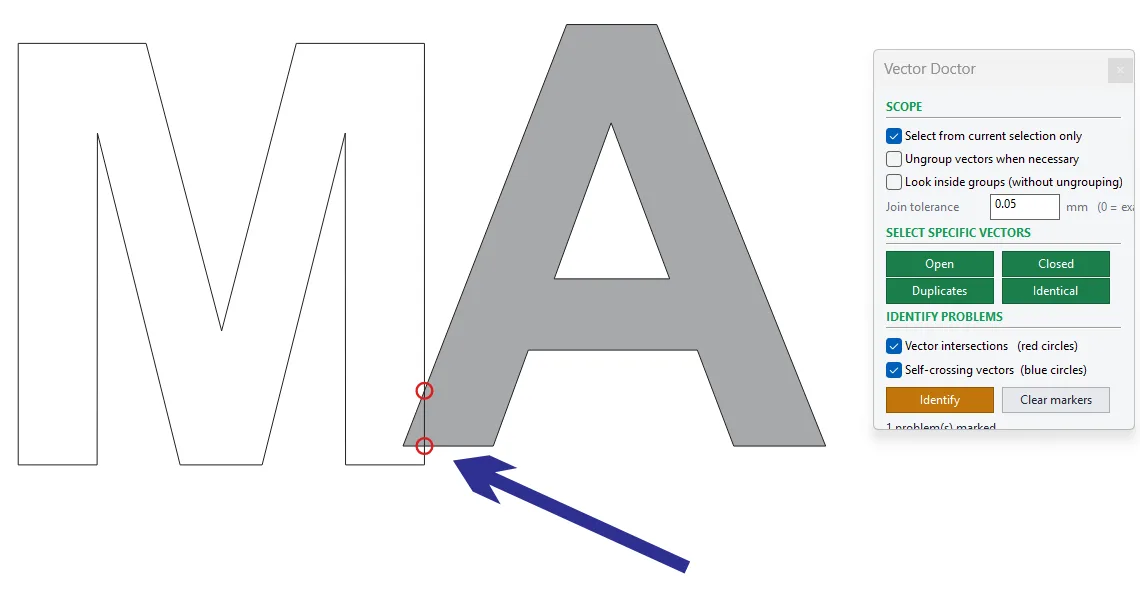
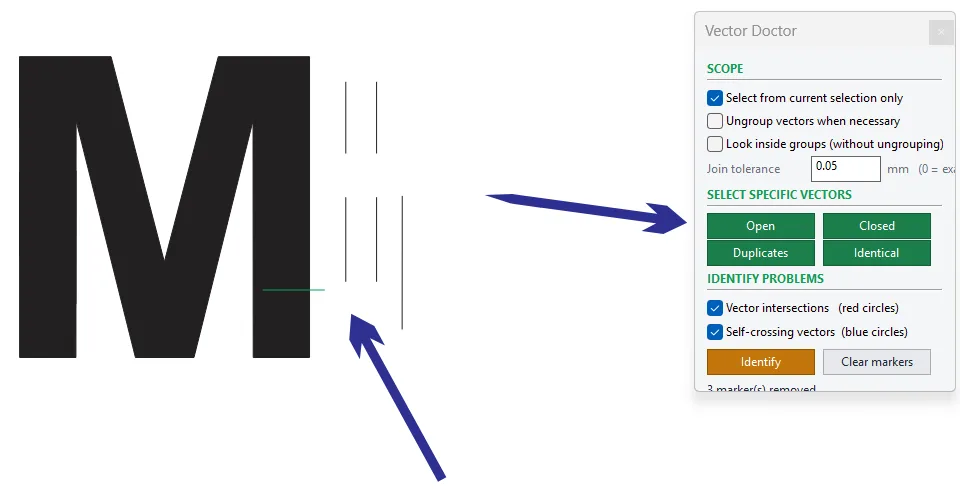
Finds open lines, duplicates, intersections and self-crossing curves before you cut.

Vector effects
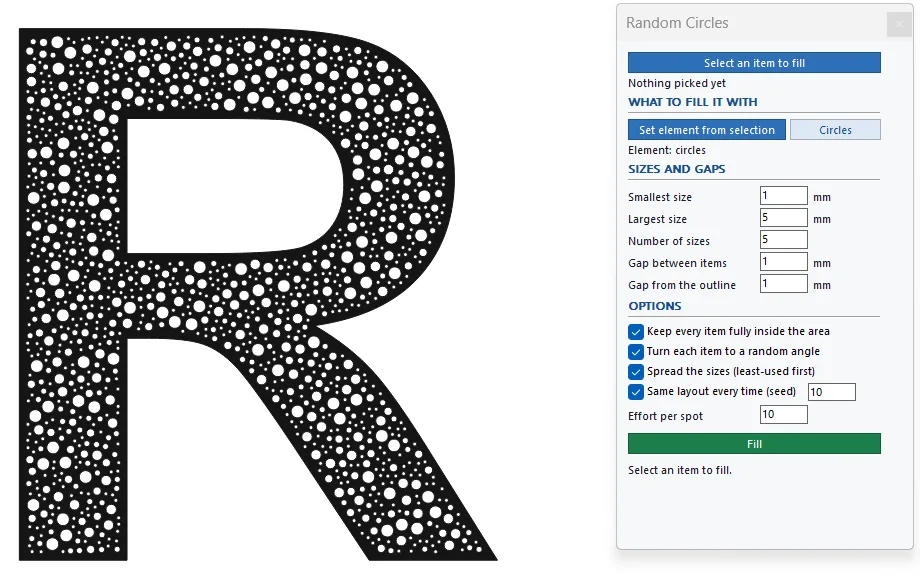
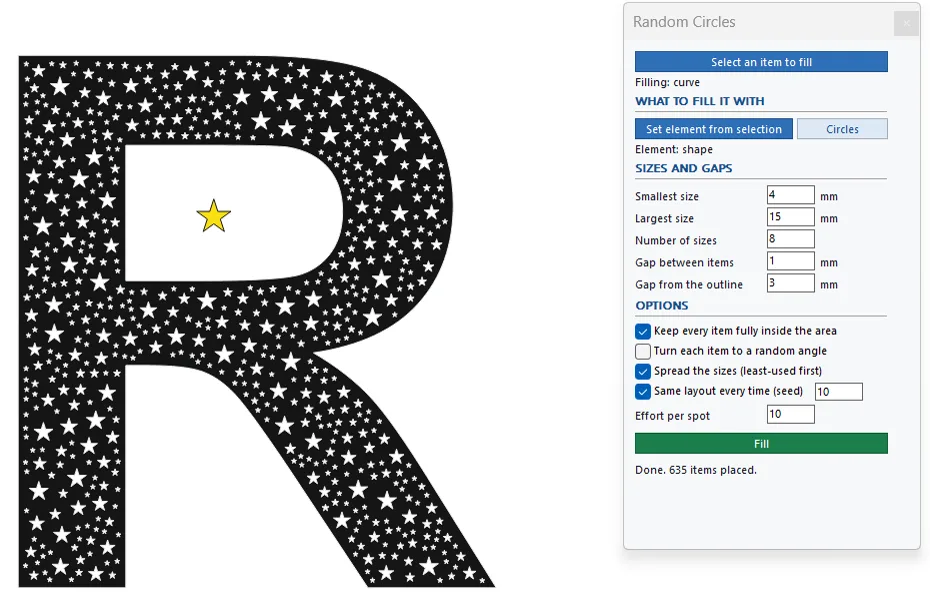
Fills a closed shape with circles, or with any object you pick, in random sizes.

Vector effects
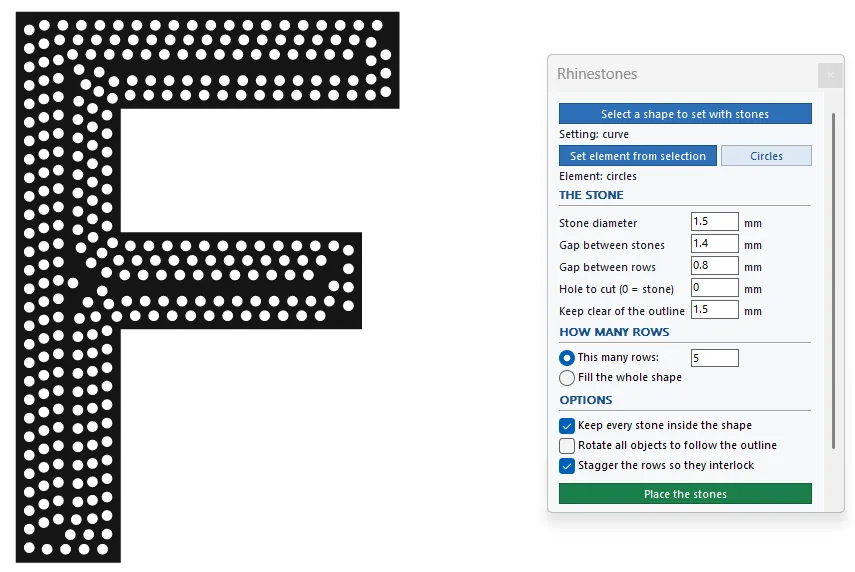
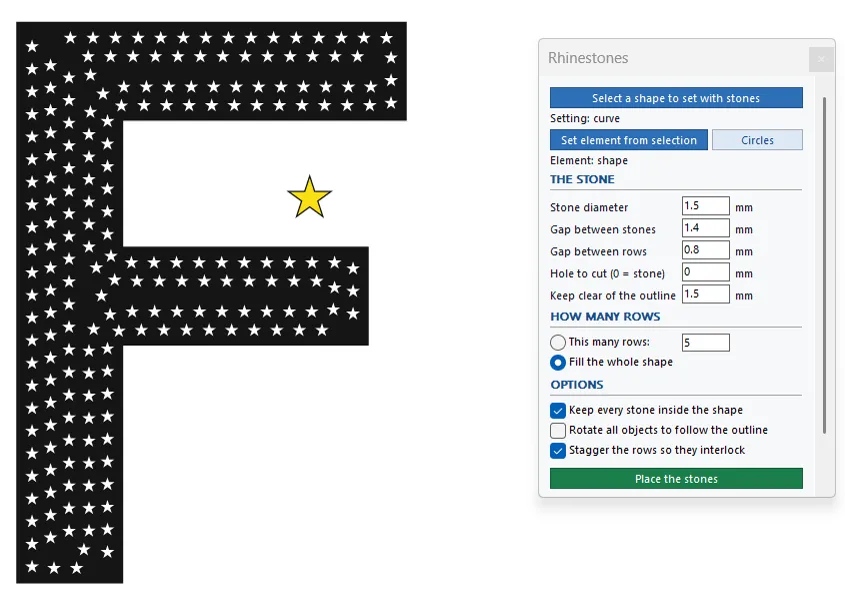
Sets rhinestones in rows that follow a shape's outline, with the hole size you cut.
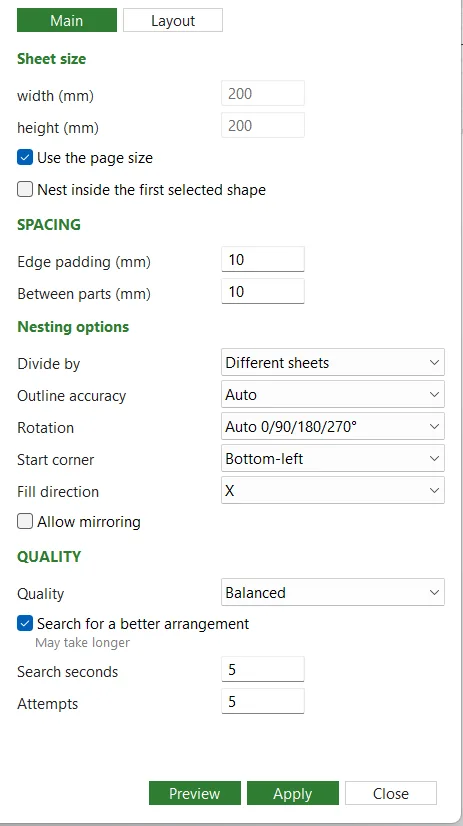
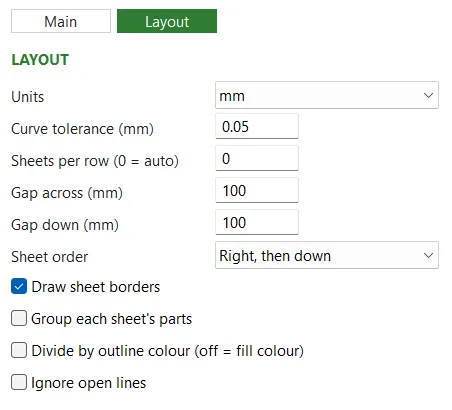
Lays your parts out on sheets to waste less material. You see the result first: nothing changes in your drawing until you press Apply.
Finds the problems in your vectors before they reach the machine, and marks them right on the drawing.
Fills a closed shape with circles, or with any object you pick, in random sizes.
Sets rhinestones in rows that follow a shape's outline, ready for your template.
Check before you cut. Always check the result (sizes, spacing, cuts) before you cut or produce anything.
The Demo is free for 3 days. To buy the full version, message us on Telegram.